The Problem
In an effort to take a deep-dive into AI tools, I decided to use Claude Code to try to solve a real-world personal problem — recipes scattered across countless sites, often behind paywalls, and throughout many physical cookbooks. I wanted to unify these recipes into a single location for personal recipe management and cooking.
Could I build a polished, production-grade app using Claude Code as my primary development collaborator? Two weeks later, Saved & Savored was live.
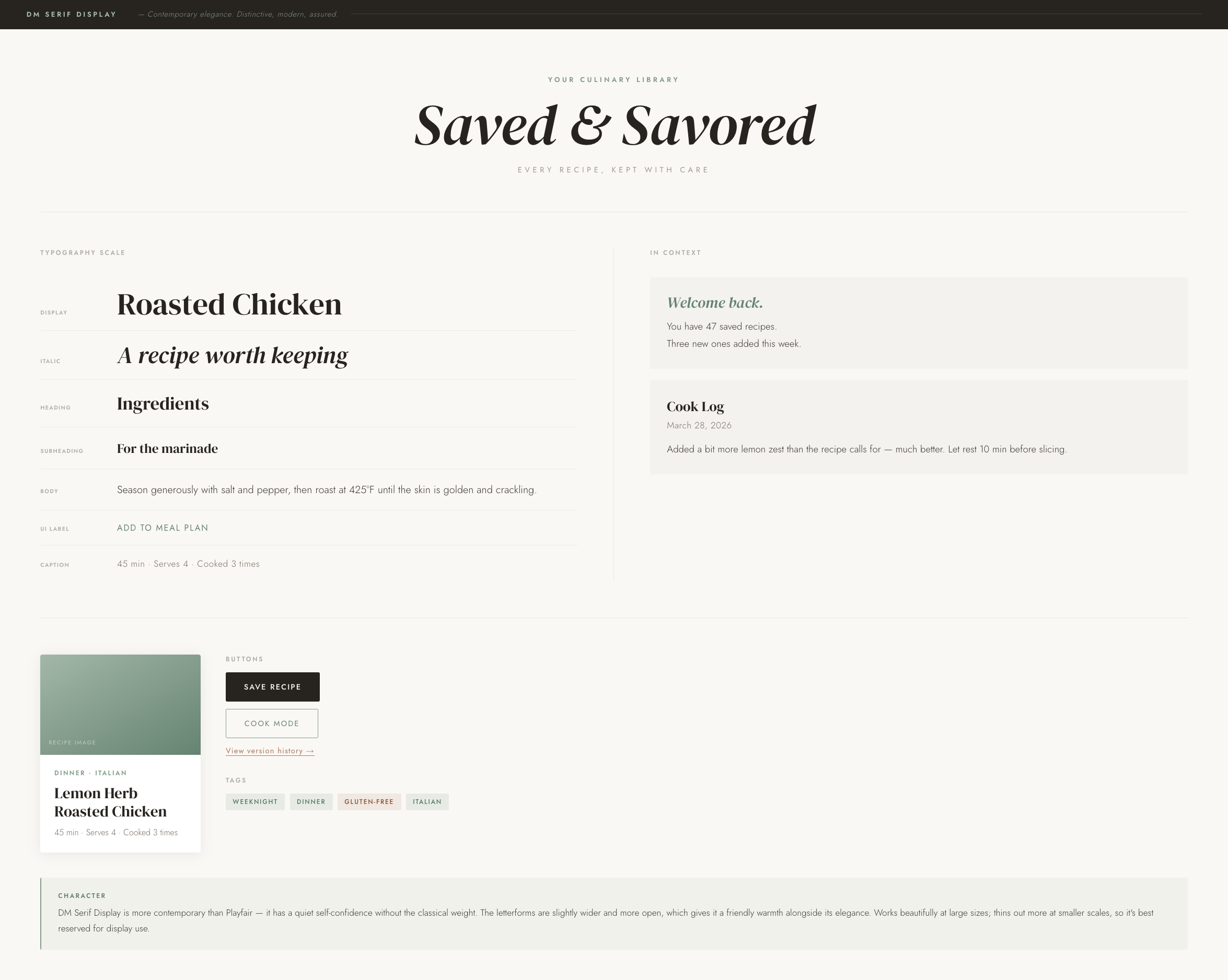
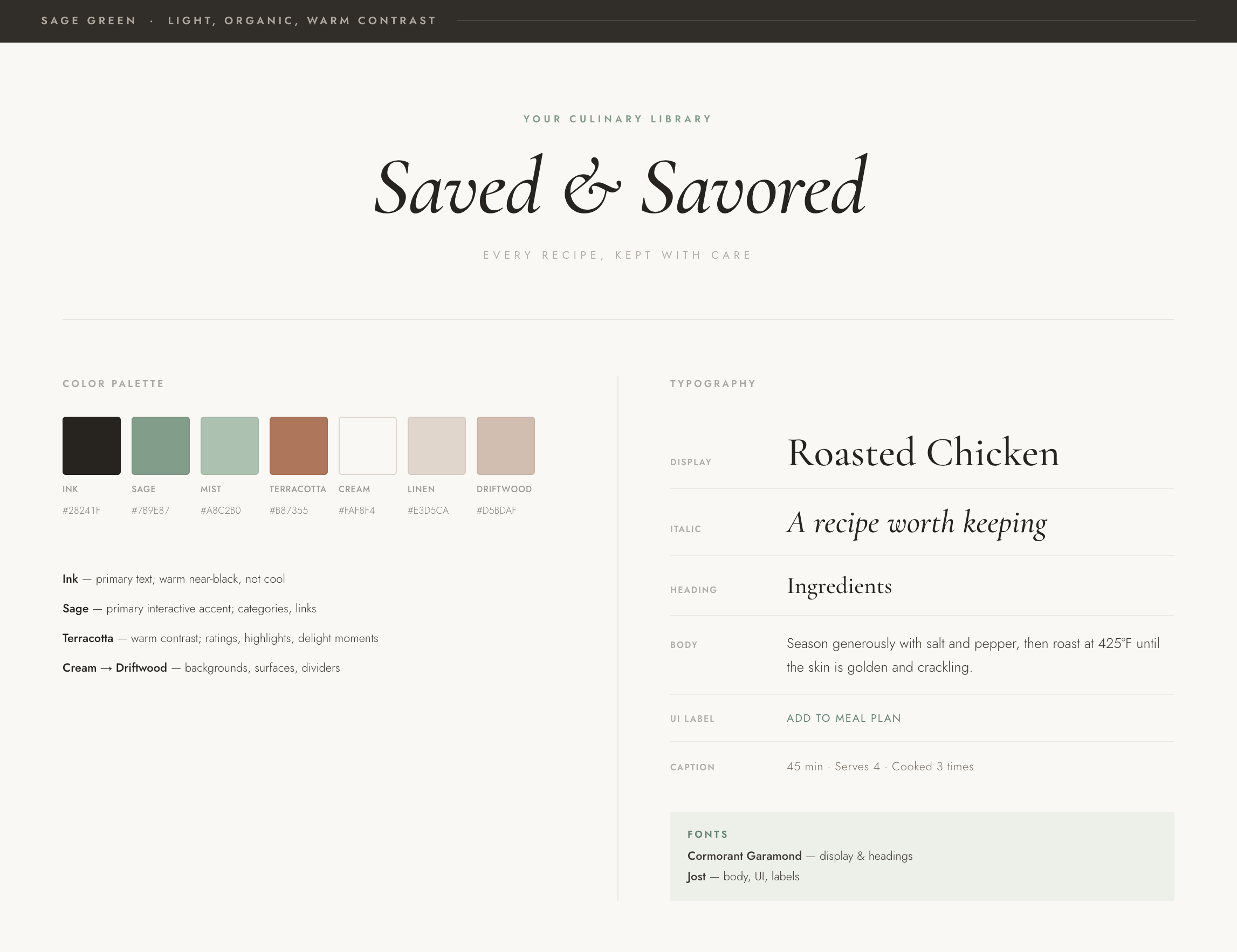
Early branding doc, proposed by Claude Code
A second-pass alternative design foundation
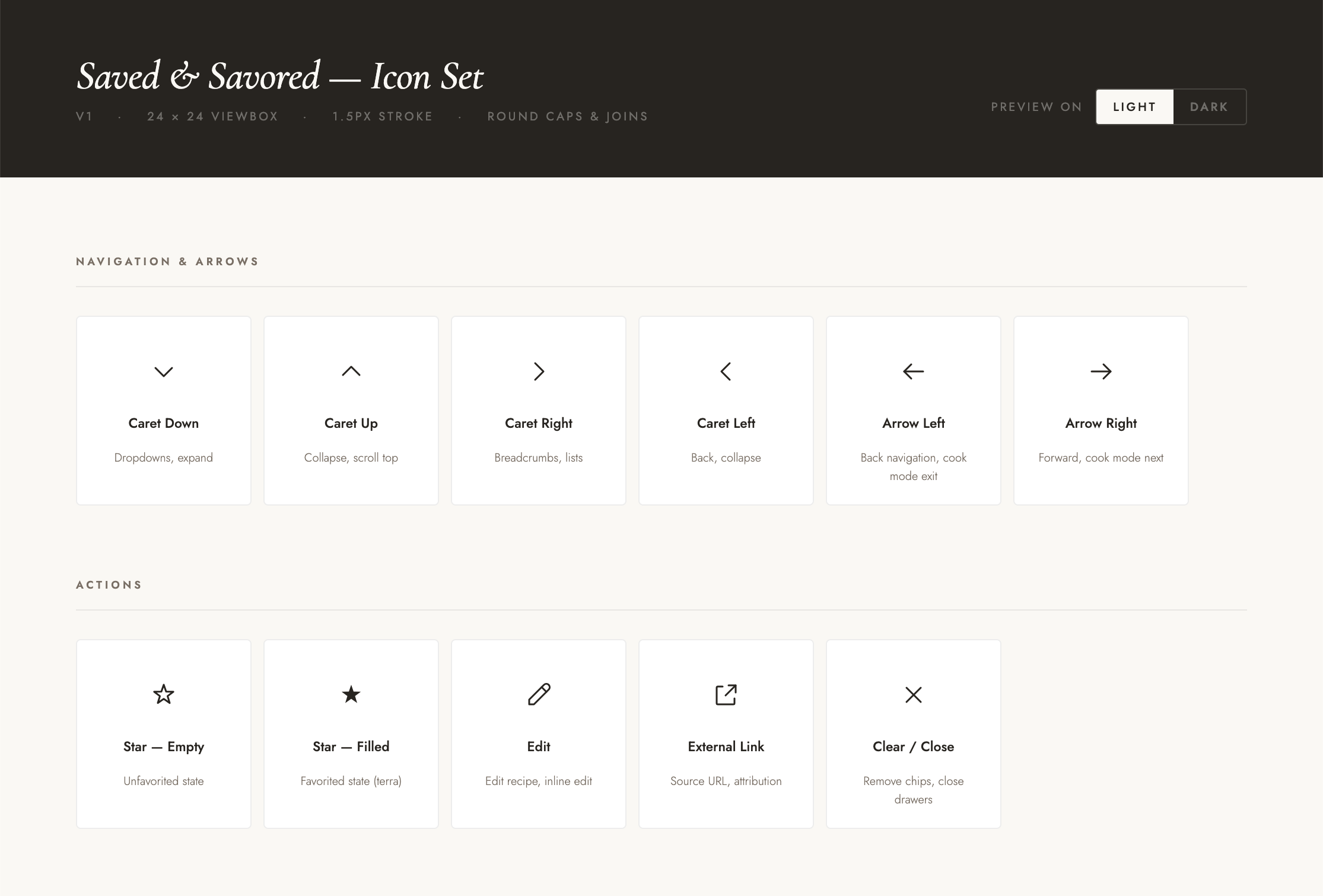
An early custom icon set — ultimately scrapped when Claude Code struggled with more complex icon design
The Design
I wanted an image-forward design that is warm and editorial. For the Cook Mode feature, in particular, I wanted the page to be easy to look at for long periods of time.
Palette: Ink, Sage, Terracotta, Cream, and Linen. Type: Cormorant Garamond for display, Joe for UI. I explored useing Cluade Code to create a custom icon set early on, but it struggled to produce consistent icons. So I scrapped the custom approach in favor of Google Material Icons.
The Core Experience
The app acts as a library for storing all my recipes, imported from anywhere.
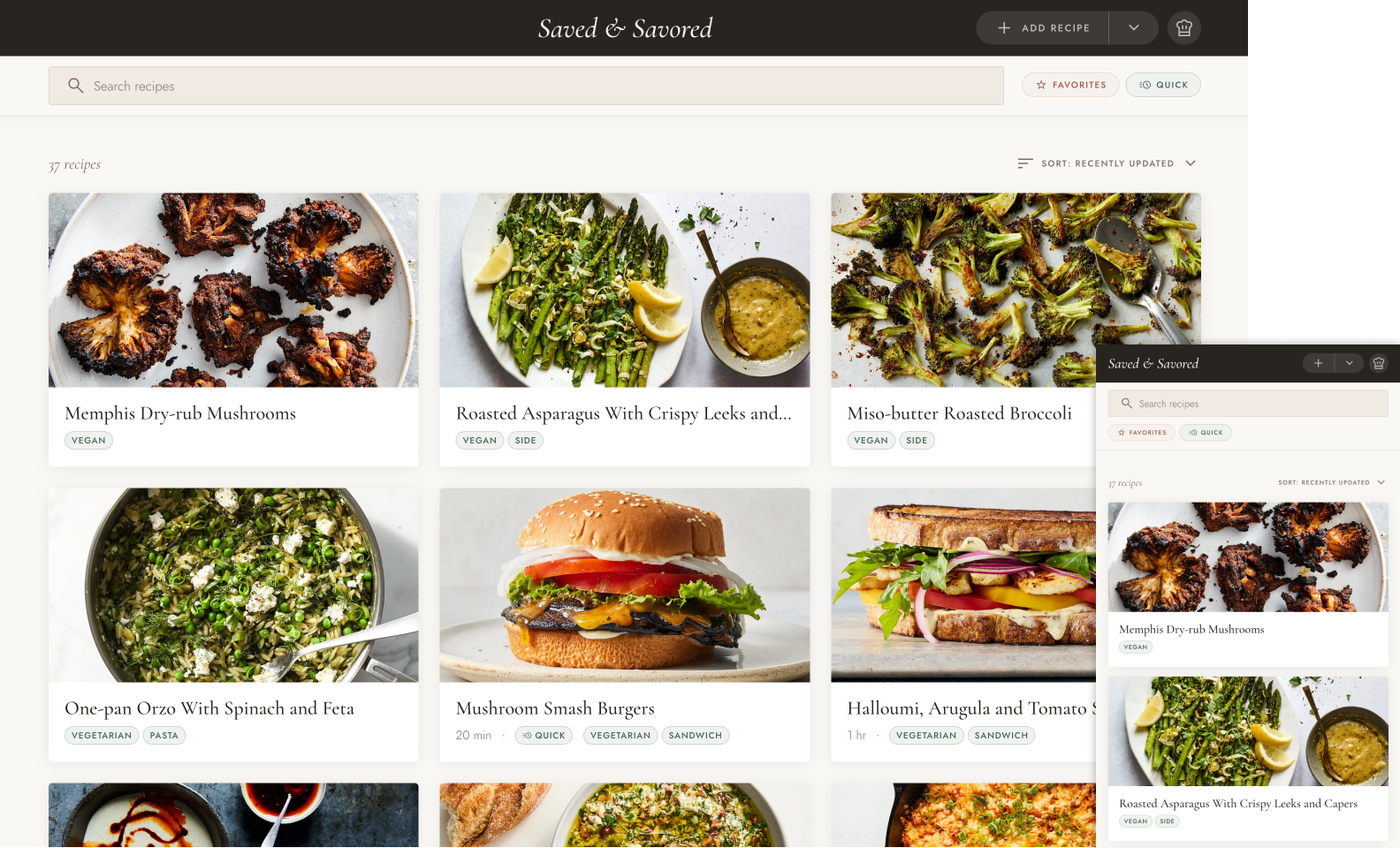
The recipe library with photo-forward cards, tag filtering, and sort controls.
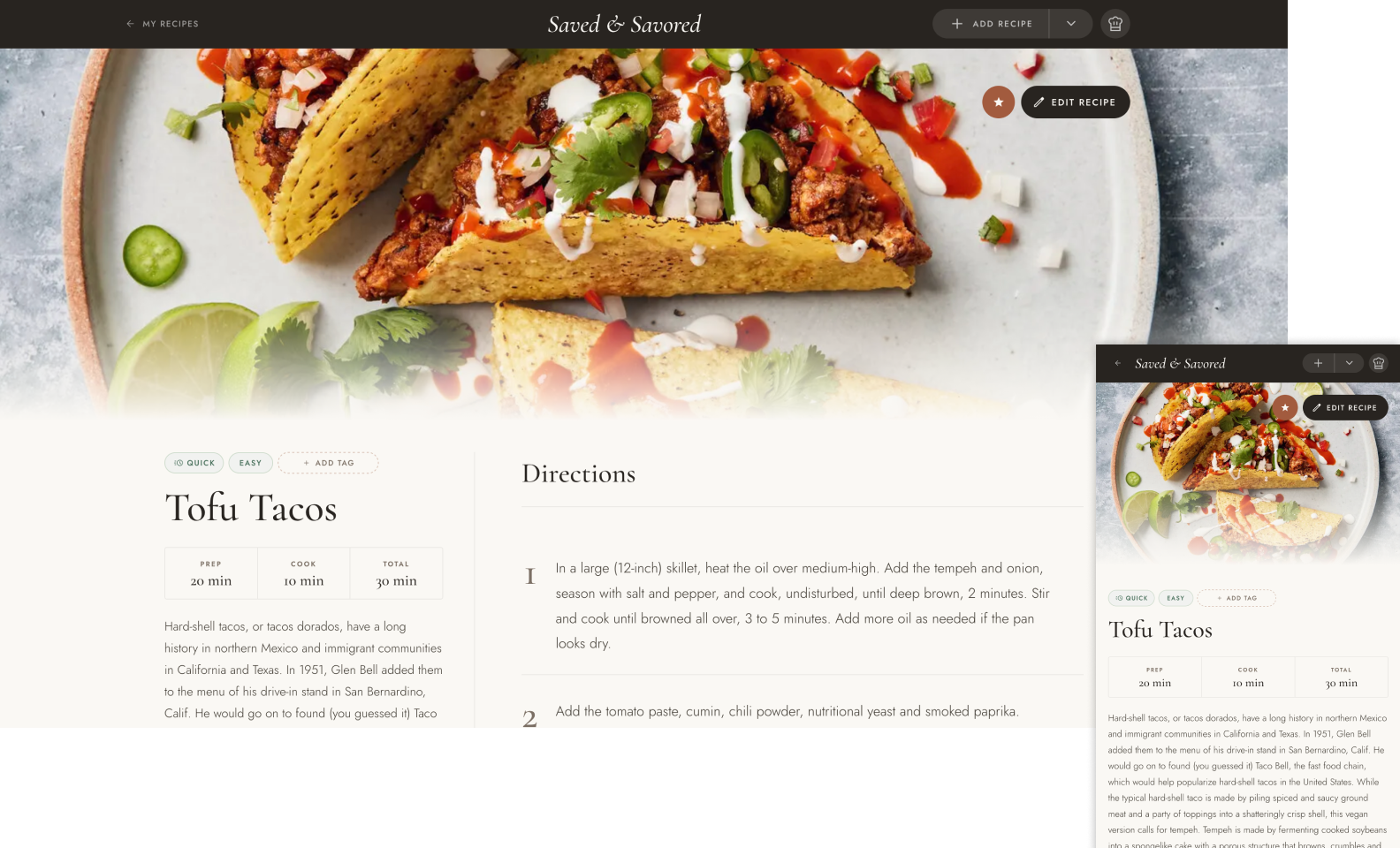
Recipe detail with full-bleed hero, quick metadata, and numbered directions side by side.
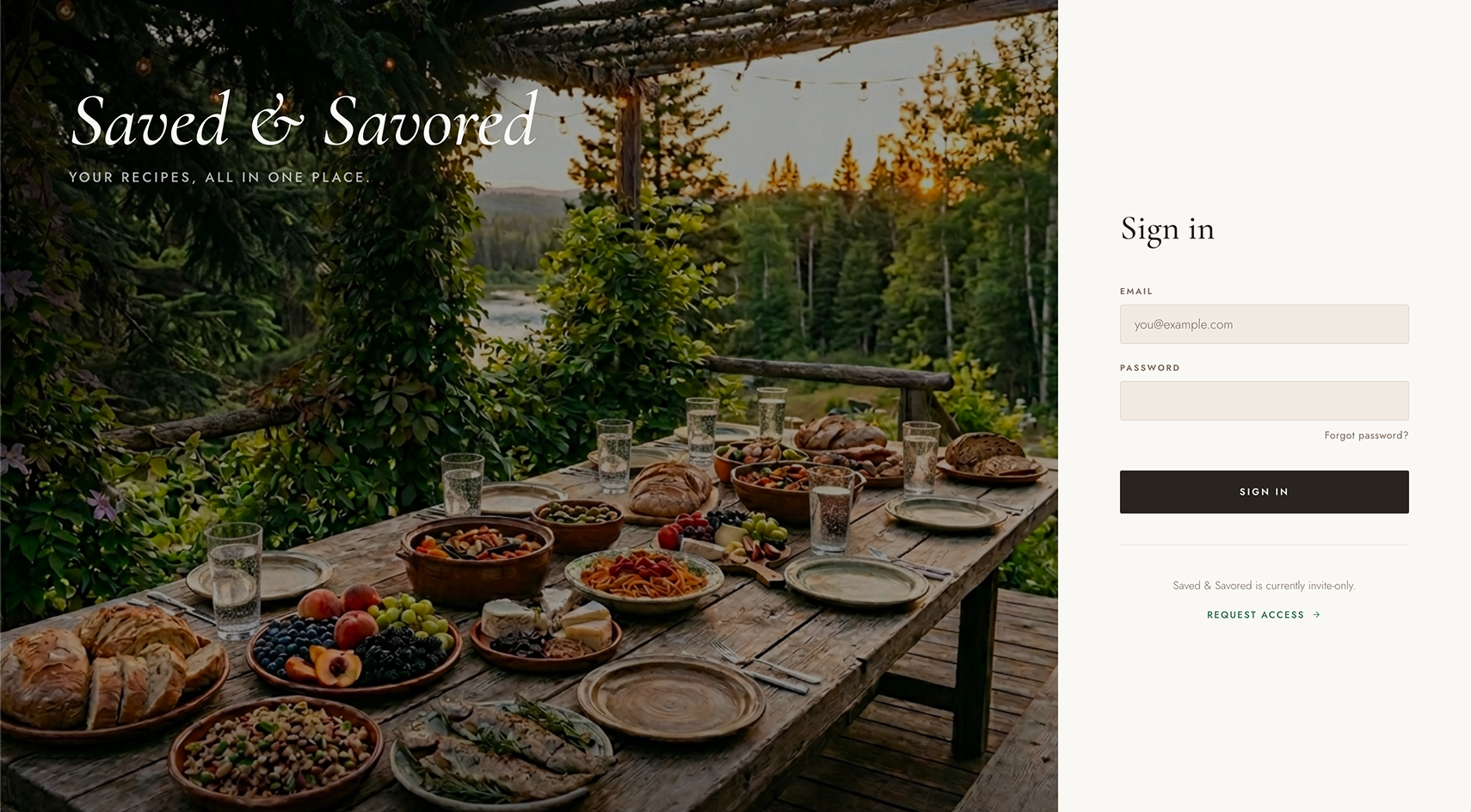
The login screen — an invite-only app with an editorial aesthetic from the first screen.
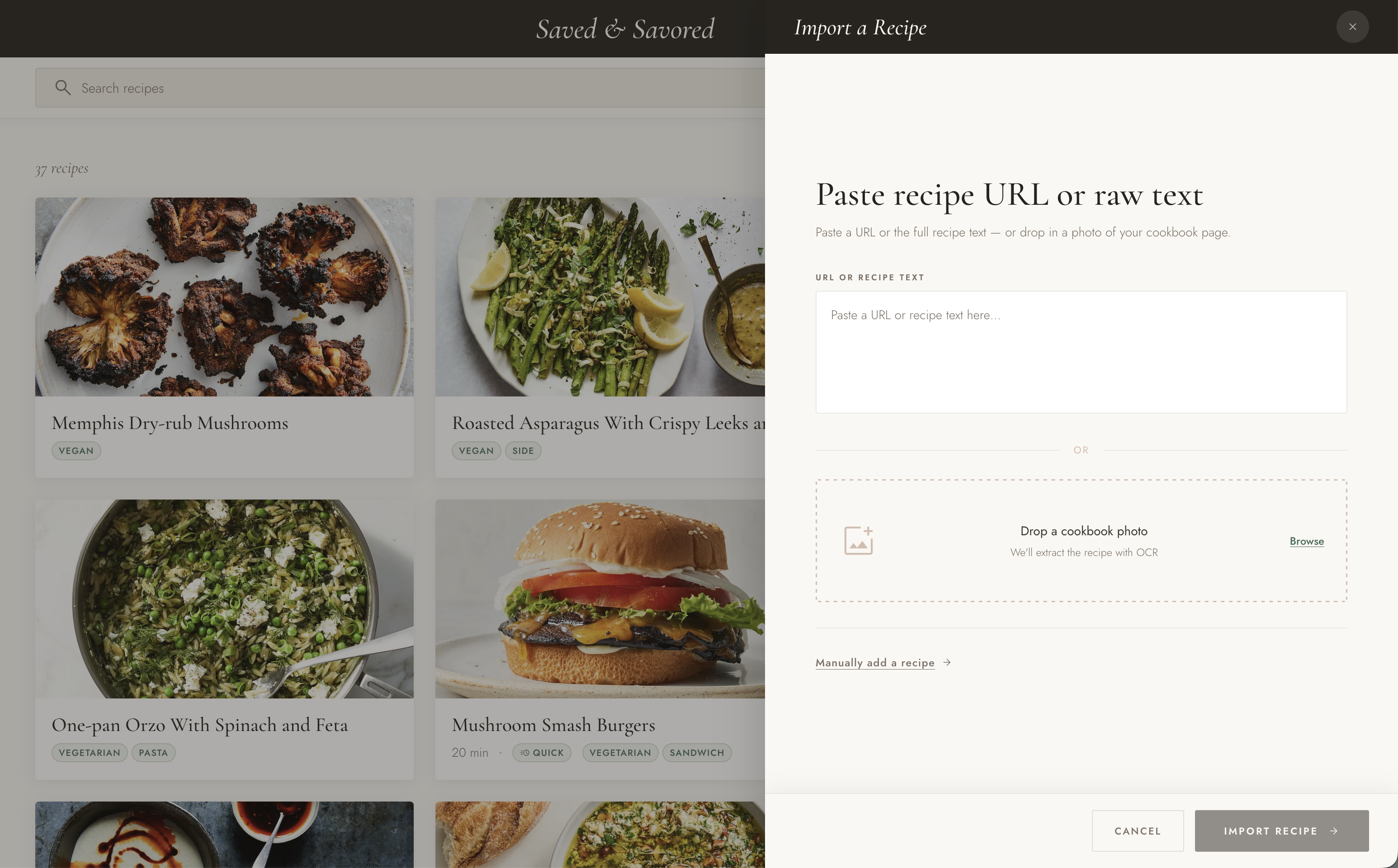
The import drawer — paste a URL, paste raw text, or drop a photo of a cookbook page.
Getting Recipes In
Import had to handle any source without requiring extensive user clean-up. Four modes:
- URL import — the app scrapes a pasted URL and parses the recipe
- Text import — when URL importing isn't viable (or fails), the user can fall back on pasting raw text, which is automatically parsed
- OCR import — photograph a cookbook page; Google Cloud Vision extracts the text, Claude parses it into a structured recipe; multiple iterations began with a Google Vision-only approach, then a Claude-only approach, before landing on this winning combo model
- Manual entry — a fallback form for everything else
Cook Mode
Cook Mode offers a distraction-free environment to view when making a recipe. This mode presents directions, one step at a time. An ingredient panel is available on demand without leaving the flow. This mode also prevents the screen from dimming and sleeping, avoiding the frustration of trying to wake the device with messy hands.
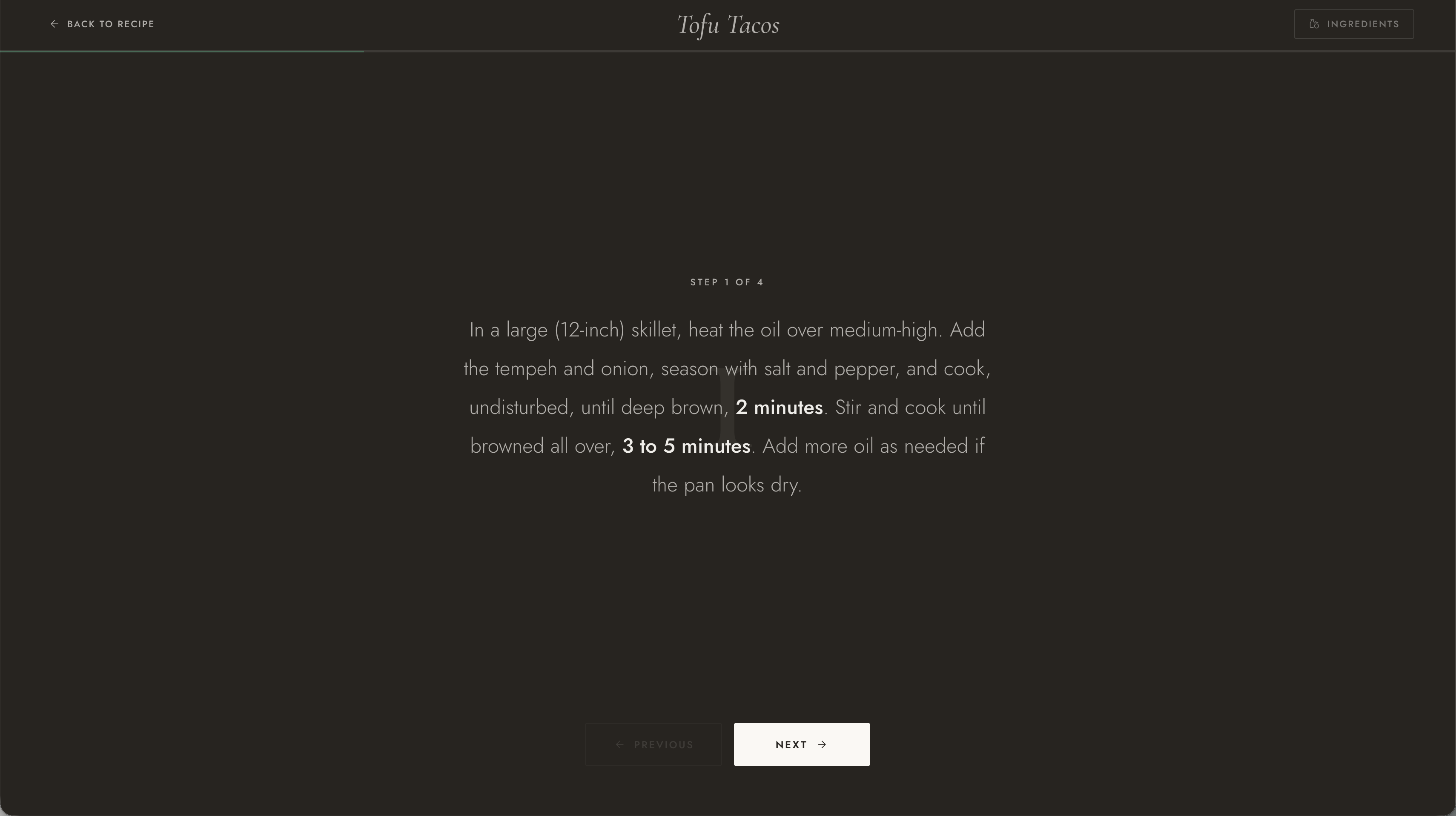
Cook Mode — one step at a time, dark background, time callouts in bold.
Lessons Learned
This was my first serious use of an LLM as a design and development collaborator.
I learned a tremendous amount about how to structure projects for this new AI-driven world. While I'm still constantly learning, I picked up a lot regarding context management as well.